Get paid before you pack up your equipment
Payment links mean customers pay before you leave. Send 'on my way' texts for FREE so they're ready when you arrive. Optimize routes between appointments. Room-by-room invoicing that looks professional.
You know these problems
Because every carpet cleaner has them
"They're not ready"
You arrive. Furniture still on the carpet. Kids' toys everywhere. You sit in your truck for 20 minutes while they rush around. That's money lost.
"I'll pay you later"
You've cleaned 3 rooms. Packed your gear. Now they can't find their wallet. Chase them for weeks. Some ghost you entirely.
Driving in circles
Morning appointment in the north. Lunch in the south. Afternoon back north. You're burning gas and wasting hours between jobs.
Built for how carpet cleaners actually work
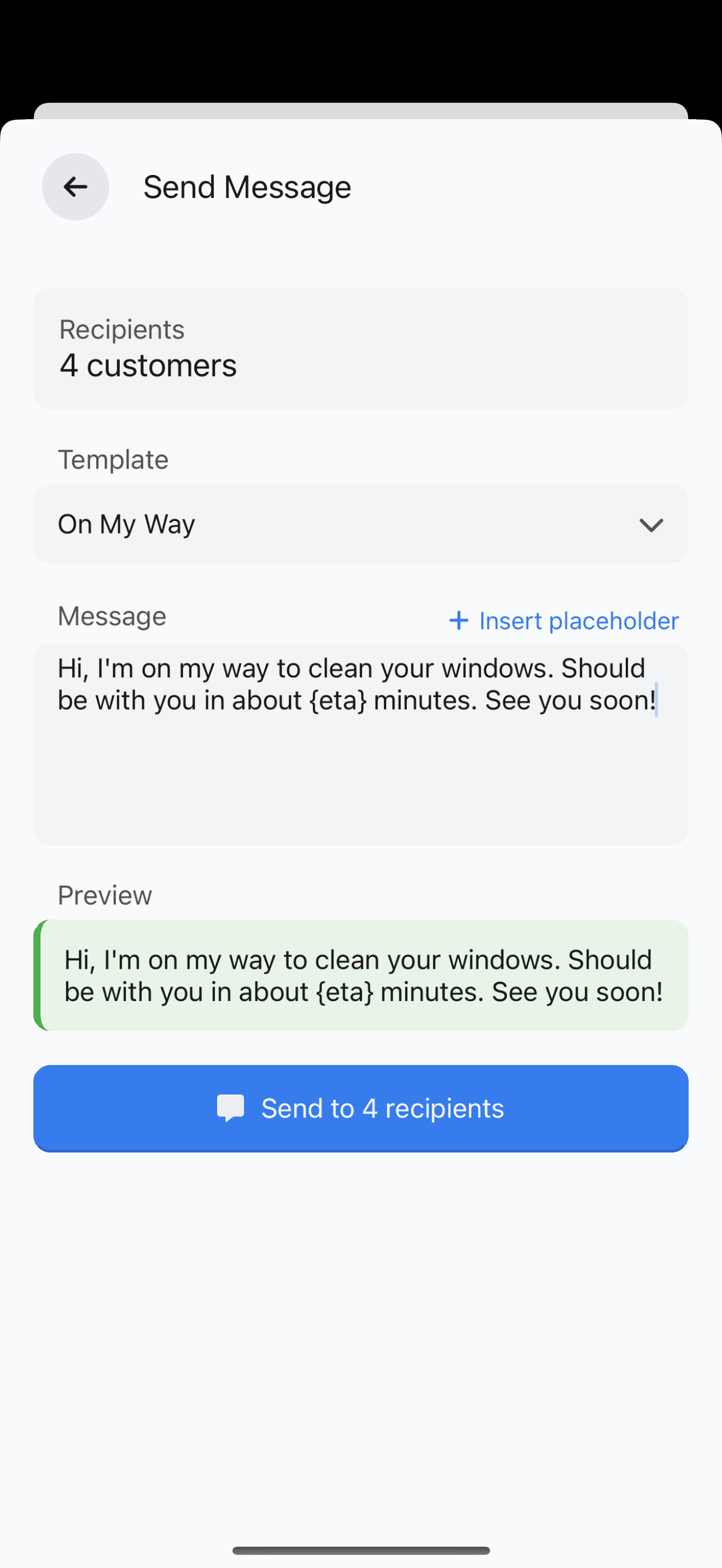
FREE 'on my way' texts
Send 'Be there in 20 mins—please have furniture moved' for FREE. Other apps charge 15p each. That's $90/month for 30 jobs. Ours use your phone's SMS.
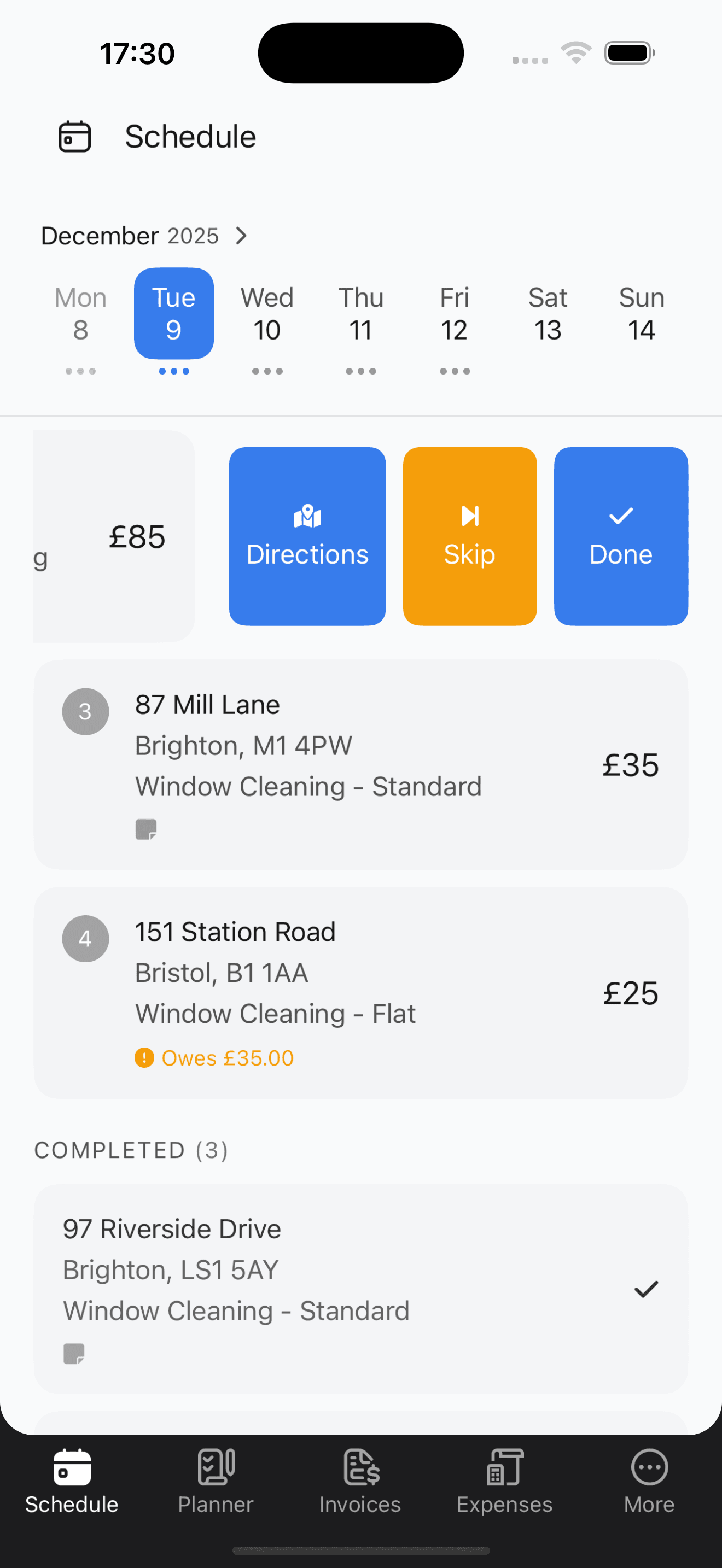
Works offline
Full database on your phone. Create invoices with no signal. Book jobs in basements. Everything syncs when you're back online.
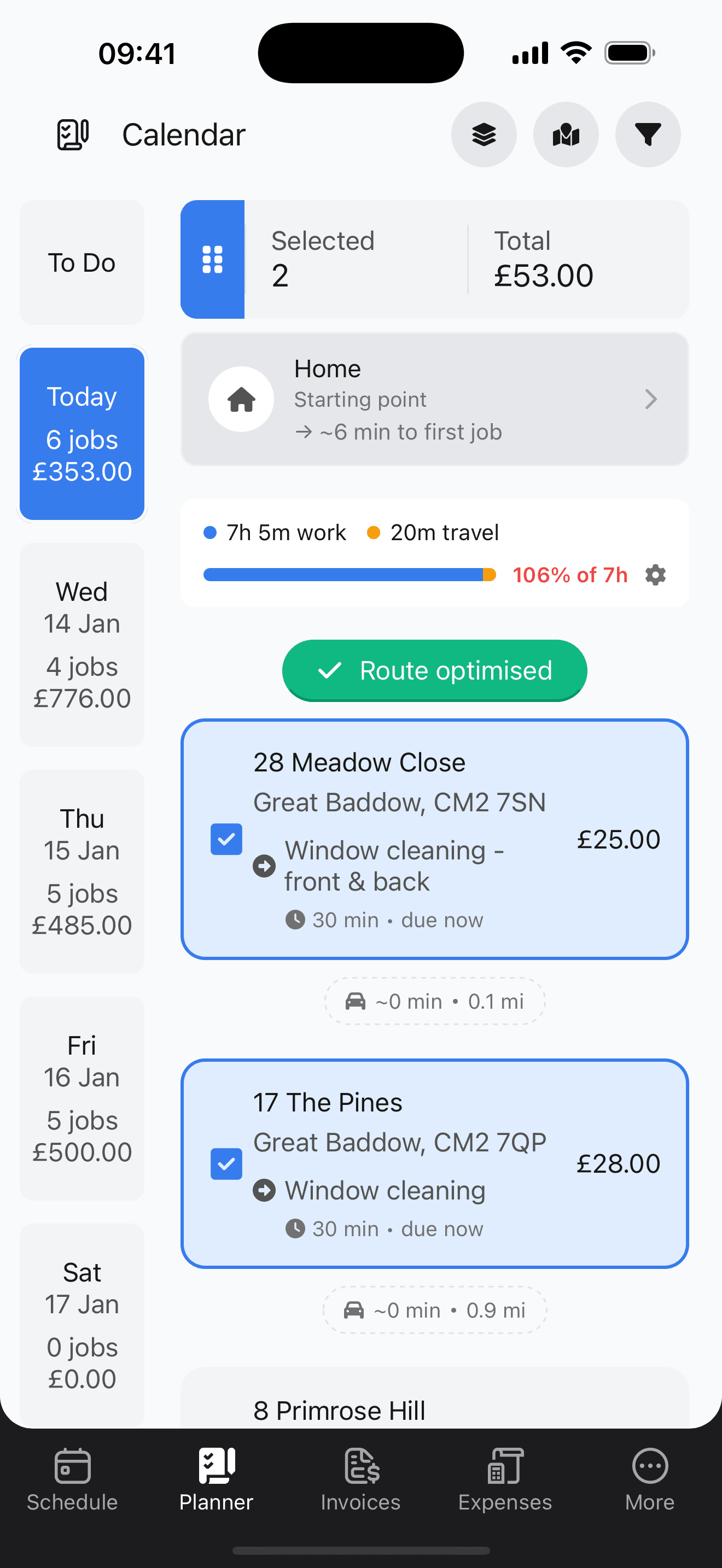
Route optimization
See all your appointments on a map. Tap 'optimize'. Jobs reorder to minimise driving. Save hours and gas every day.
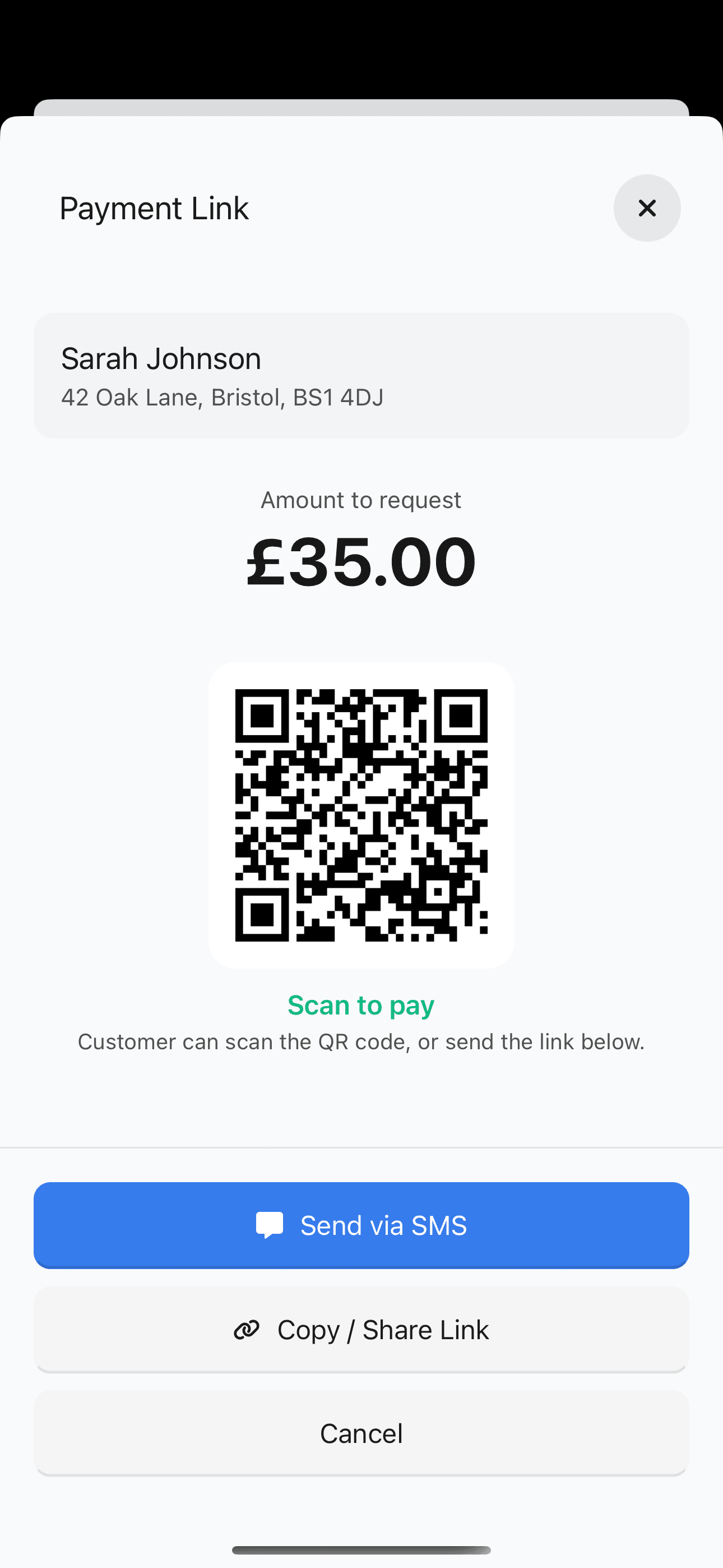
Payment Links
Send a payment link via text or QR code. Customer pays when they're ready. Track what's paid and what's outstanding. No more chasing.
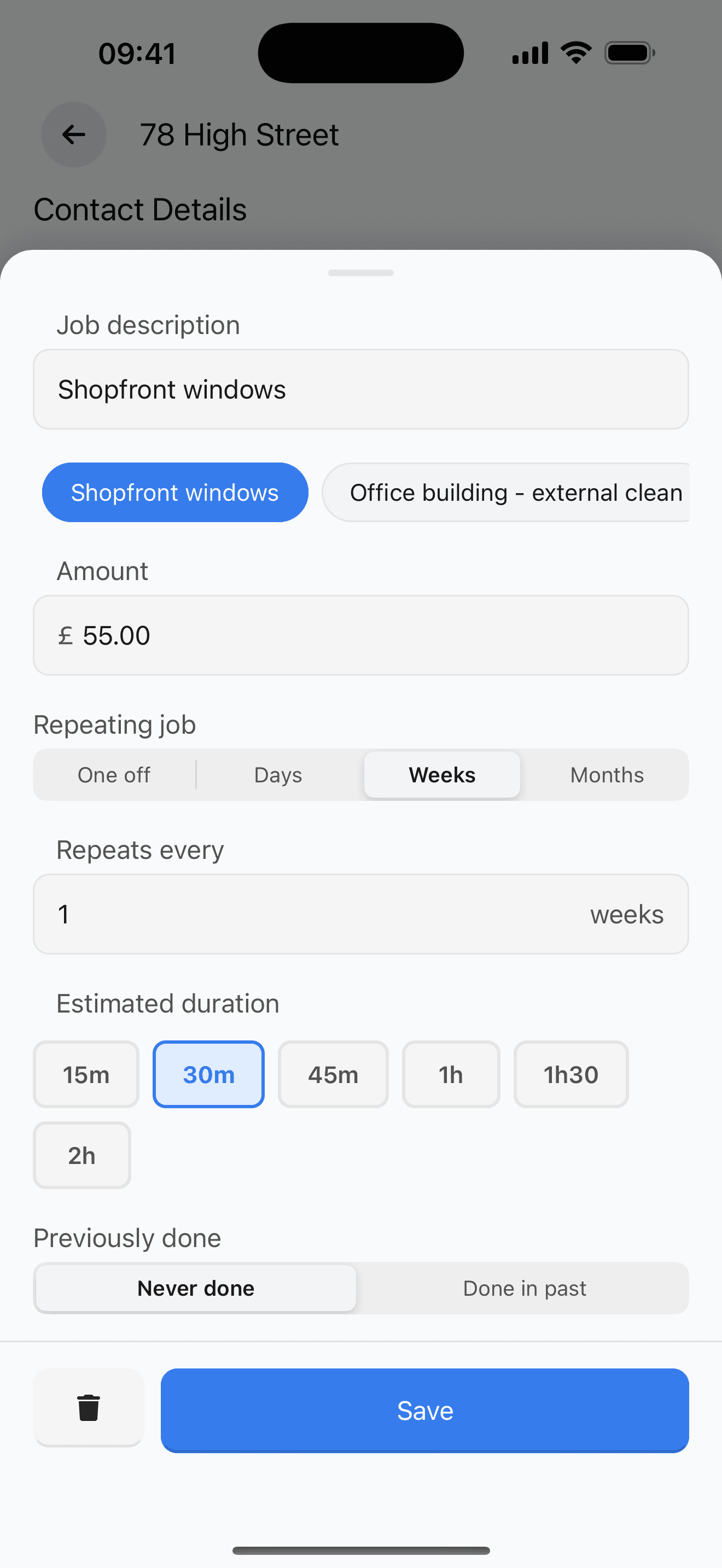
Same-day bookings
Customer calls at 10am. Book them for 2pm. See the route adjust. Send them an 'on my way' text. Easy same-day scheduling.
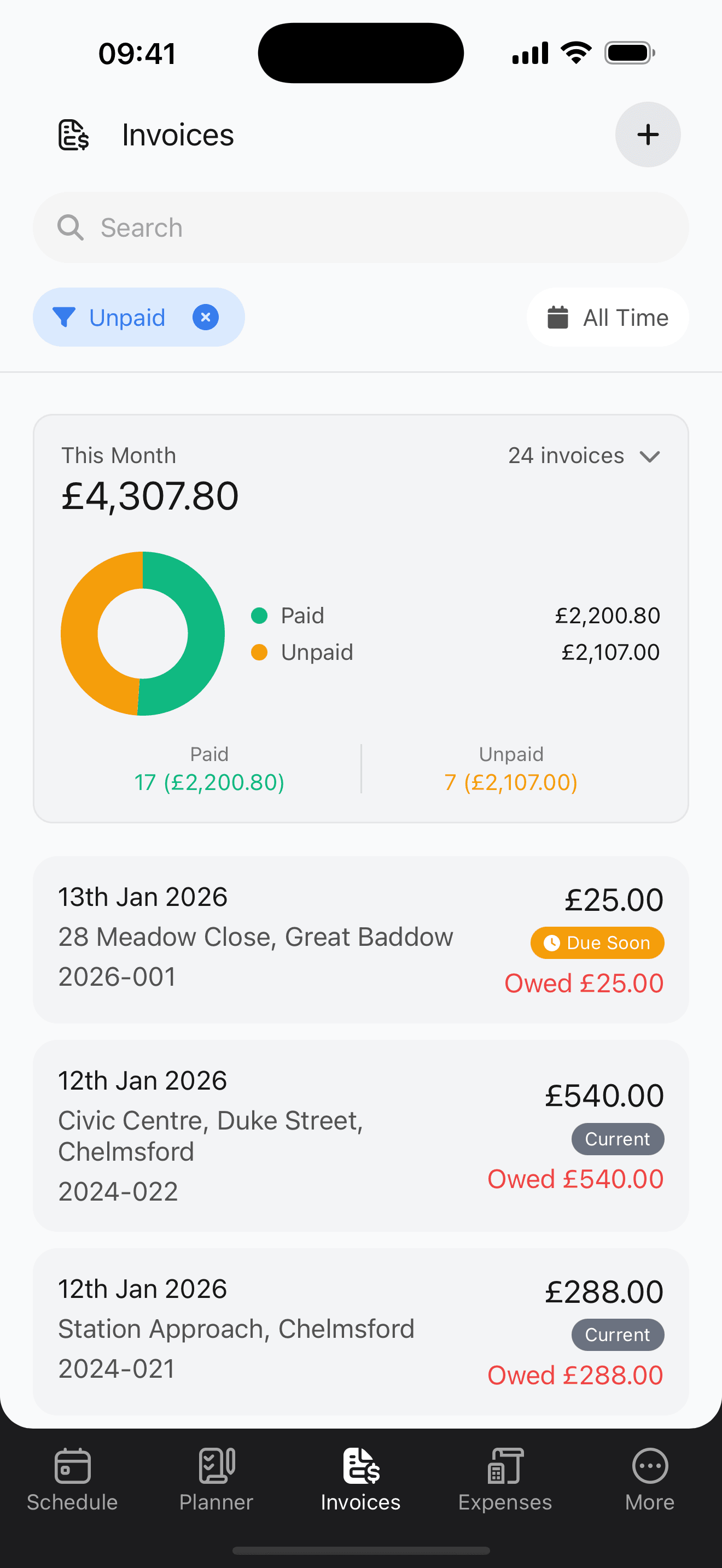
Accounting integrations
Sync invoices to Xero, QuickBooks, or FreeAgent. No double entry. Your accountant gets clean data automatically.
FREE SMS messaging saves you $1,000+/year
Jobber and Housecall Pro charge $0.15-0.20 per text. Send 30 prep texts/day ('Please move furniture', 'On my way'), that's $4.50-6/day or $90-120/month.
Scheduling Hero sends messages through your phone's native SMS. Completely free. Uses your existing phone plan.
That's $1,100-1,400 back in your pocket every year.
Common messages:
Simple pricing. Start with a free trial.
Full access to every feature during your trial. Cancel anytime.
Premium
Pays for itself in 4 days
Usually $179.88/year
$114.99 billed annually
- Unlimited customers
- Unlimited jobs & schedules
- Payment links & QR codes
- Free SMS messaging
- Invoice creation & PDF export
- Message templates
- Spreadsheet data import
- Expense tracking with receipt photos
- Reports & business insights
- Works completely offline
- Cloud backup & sync
- Route optimization
- Smart Planner
- Advanced analytics (skip, churn, refunds)
- Custom branding
- Accounting integrations (Xero, QuickBooks, FreeAgent)
We'll remind you before your trial ends
How Scheduling Hero pays for itself
Common questions about carpet cleaning software
Can I send prep reminders so customers move furniture before I arrive?
Yes. Send FREE SMS reminders like 'Please move furniture off carpets and vacuum beforehand' the day before. Customers are ready when you arrive—no more sitting in the truck waiting. Create templates for common messages and send with one tap.
How do I handle jobs when the customer isn't home?
Add access notes to each customer profile—key safe codes, side gate instructions, or neighbour details. Notes appear when you view the job, so you always know how to get in. Send an 'I've arrived' text and an 'all done' text when you leave.
Can I tell customers how long carpets will take to dry?
Yes. Add drying time notes to each job and send a follow-up text: 'All done! Carpets will be dry in 4-6 hours. Keep windows open if possible.' Free SMS through your phone means no extra cost for these messages.
How do I quote different room sizes accurately?
Use customer notes to record room dimensions and add photos. When creating invoices, add line items for each room—living room, stairs, hallway—with separate pricing. Customers see exactly what they're paying for.
Can I record stain treatment notes for follow-up visits?
Yes. Add notes to each job like 'Red wine stain in lounge—used enzyme treatment, may need second visit.' Notes stay with the customer, so you know exactly what you did last time. Premium users can add photos too.
How do I plan an efficient route when I have 6 carpet jobs in one day?
Premium route optimization shows all your jobs on a map. Tap 'optimize' and jobs reorder to minimize driving. Save hours and gas every day—most carpet cleaners save $40+ per month.
Stop chasing payments and driving in circles
Join carpet cleaners who get paid on-site and save hours every day with optimized routes.
Try it freeStart with a free trial. Cancel anytime. 60-second setup.